LinkedIn Link Preview Not Updating? Fix Metadata and Cache
Fix an outdated or missing LinkedIn link preview by verifying live Open Graph tags, redirects, image access, canonical URLs, and LinkedIn's cached scrape.
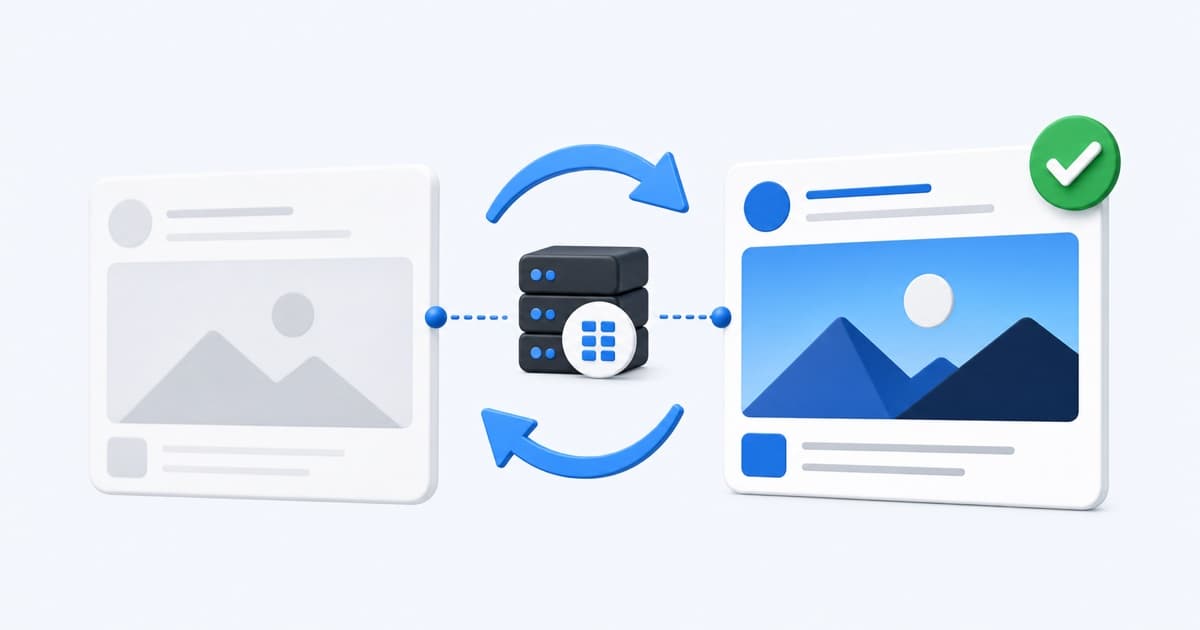
When a LinkedIn link preview is not updating, determine whether LinkedIn is seeing bad live metadata or showing an older cached scrape.
Run the page through the LinkedIn Post Inspector alternative first. It displays the current public Open Graph data and a representative preview without pretending to clear LinkedIn's cache.
Verify the Live Open Graph Tags
LinkedIn relies heavily on Open Graph metadata. The initial HTML should contain:
<meta property="og:title" content="A clear LinkedIn preview title" />
<meta property="og:description" content="A concise description for the audience." />
<meta property="og:image" content="https://example.com/linkedin-card.jpg" />
<meta property="og:url" content="https://example.com/page" />
If LinkGlimpse still extracts the old title or image, fix the page, CMS, deployment, or CDN. LinkedIn cannot scrape metadata that has not actually reached the public response.
Confirm the Share Image Is Public
Open the exact og:image URL without being signed in. It should return an image response over HTTPS. Avoid expiring query strings, cookie requirements, hotlink blocks, and bot challenges.
Use a landscape asset around 1200×627 or 1200×630 with important content away from the edges. LinkedIn may crop the card in different surfaces.
Remove Conflicting Metadata
Two CMS plugins may each output an og:title, or a shared layout may append a default og:image after the page-specific image. View the raw HTML and keep one intended set.
Also check whether your staging metadata accidentally shipped to production. A correct visible H1 does not override an incorrect og:title.
Align Redirects, og:url, and Canonical
LinkedIn may cache the requested URL and the final destination separately. Prefer sharing the final HTTPS URL directly.
The following values should point to the same intended page:
- The URL placed in the post
- The final URL after redirects
og:url<link rel="canonical">
If a redirect is necessary, make it deterministic and short. Avoid locale or consent flows that vary by request.
Make Metadata Server-Rendered
LinkedIn's crawler must receive metadata in the HTML response. Client-side head updates may appear in your browser but arrive too late for a scraper.
Use your framework's server metadata mechanism. For dynamic pages, verify that the route returns page-specific values and does not reuse a cached default from another record.
Refresh LinkedIn Only After Deployment
Once LinkGlimpse shows the correct live values:
- Open LinkedIn Post Inspector.
- Submit the final canonical URL.
- Request a new inspection.
- Review the result before composing the real post.
LinkGlimpse diagnoses live metadata; LinkedIn's official tool controls LinkedIn's own scrape request. These are complementary steps.
Why LinkedIn Still Shows an Old Preview
If the official inspector still shows old information, check whether:
- A CDN serves different HTML to different locations or user agents
- The page has multiple canonical variants
- The image URL redirects to an older asset
- A service worker or browser view made the update appear deployed when it was not
- The URL includes tracking parameters that create another cache key
- The page blocks LinkedIn's crawler
Do not repeatedly change tags without checking the response. Save a LinkGlimpse report, deploy one controlled change, and rerun the same URL. The local metadata history will show whether the core values and score changed.
LinkedIn Preview Repair Checklist
- Correct
og:title,og:description,og:image, andog:url - One authoritative set of tags in the initial HTML
- Public HTTPS image with a landscape crop
- Successful page and image responses
- Final URL,
og:url, and canonical aligned - Live metadata verified before requesting a new LinkedIn scrape
Start with the LinkedIn preview checker. If the code change spans several files, choose Copy for AI agent to package the findings and suggested implementation into one prompt.
Related: Open Graph image not showing and Open Graph tag templates.
Written by LinkGlimpse Team
Published on