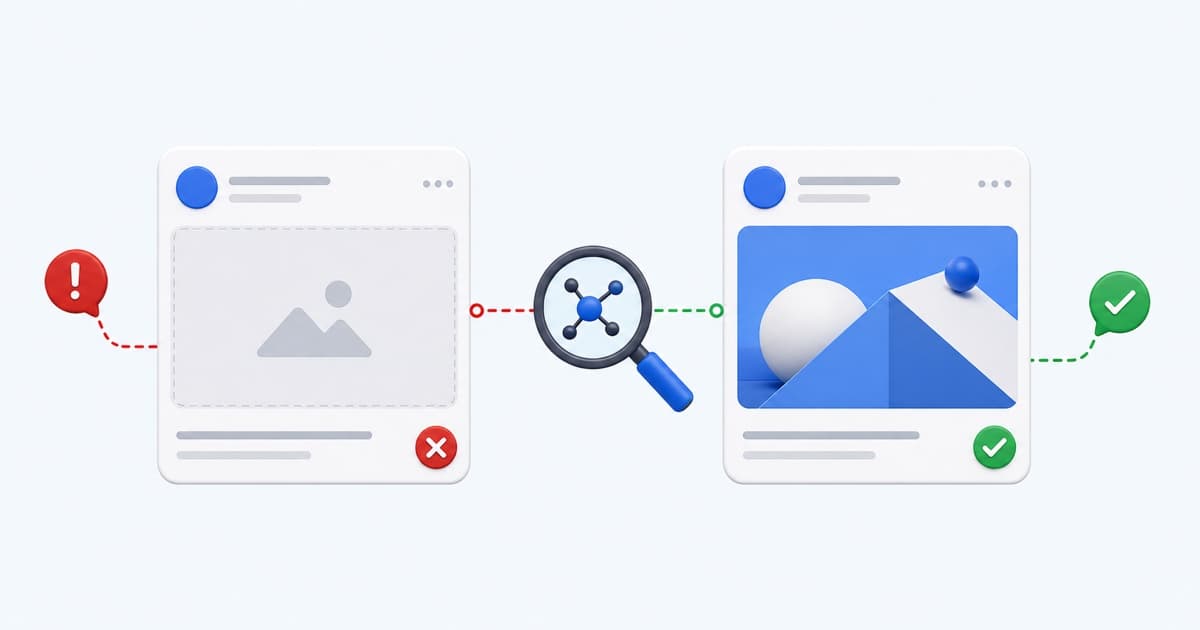
Facebook Link Preview Wrong or Missing? Fix the Card
Fix the wrong Facebook link title, description, or image by checking live Open Graph tags, crawlers, redirects, canonical URLs, and cached scrapes.
A wrong Facebook link preview usually comes from conflicting live Open Graph tags, an inaccessible image, a URL mismatch, or an older Facebook scrape.
Use the Facebook Open Graph Debugger to inspect the public response before trying to refresh anything. It shows the extracted values, redirect trace, image response, and exact fixes for failed checks.
Check the Four Core Open Graph Values
Facebook should receive one intended value for each core field:
<meta property="og:title" content="The title people should see" />
<meta property="og:description" content="A concise description of the destination." />
<meta property="og:image" content="https://example.com/facebook-card.jpg" />
<meta property="og:url" content="https://example.com/page" />
Add og:type and og:site_name for additional context. Use article for editorial content and website for a general page unless another supported object type is intentional.
Fix the Wrong Facebook Image
If Facebook chooses a logo, content image, or old campaign graphic, inspect the actual og:image tags in source order. Themes and plugins can emit duplicates.
The intended file should:
- Use an absolute HTTPS URL
- Return a public image response without cookies
- Be large enough for a feed card
- Use a stable URL
- Keep important content inside a crop-safe central area
A 1200×630 image is a dependable baseline. Add real width, height, type, and alt metadata where possible.
Fix the Wrong Title or Description
Facebook does not have to use the visible H1 or browser title. It reads og:title and og:description. Update the metadata source in the CMS or framework, then verify the raw HTML contains the new content.
Avoid long filler text. The card can truncate differently across devices, so put the specific subject and value early.
Align the Shared URL With the Canonical
Campaign parameters, short links, HTTP variants, and hostname redirects may lead to separate cache entries. The URL in og:url and the canonical should represent the final indexable page.
Share the final URL directly where practical. If LinkGlimpse shows multiple redirect hops, remove unnecessary ones and confirm that no hop returns a blocked, temporary, or personalized page.
Check Robots, Firewalls, and Consent Pages
Your browser may receive the real page while a crawler receives a challenge or consent document. Review CDN and WAF rules if the diagnostic request fails or extracts unexpected HTML.
Do not require a session to fetch the share image. If the destination is private, provide a safe public landing page rather than weakening access controls.
Render Tags in the Initial Response
Facebook's scraper should not need to run your client-side application to discover metadata. Put page-specific tags in the server-rendered <head>.
For dynamic routes, watch for a caching bug that reuses metadata from the first page rendered. Inspect multiple URLs to confirm each returns its own title, description, image, and canonical.
Refresh Facebook's Cached Scrape
Only refresh the cache after the live metadata is correct:
- Deploy the fix.
- Re-run the page in LinkGlimpse.
- Confirm the current HTML and image response.
- Open Facebook Sharing Debugger.
- Enter the final canonical URL and choose Scrape Again.
The official debugger is responsible for Facebook's cache. LinkGlimpse remains useful for the technical report, comparison, shareable handoff, and fix snippets.
Facebook Preview Repair Checklist
- One correct
og:title,og:description,og:image, andog:url - Public 2xx page and image responses
- Image uses HTTPS and suitable dimensions
- No unexpected consent, bot challenge, or authentication response
- Shared URL, final destination,
og:url, and canonical agree - Live response verified before requesting a fresh Facebook scrape
Run the Facebook Open Graph Debugger now, or compare a production page with a replacement using the metadata comparison tool.
Related: Open Graph image not showing and Open Graph image size guide.
Written by LinkGlimpse Team
Published on